If your phone, laptop, or tablet feels cluttered and overwhelming, you’re not alone. Just like a messy desk makes it hard to work, digital clutter can slow you down and add stress. Not to worry, tidying up your digital world is easier than you think.
Start with Your Photos
Photos consume a significant amount of space on most devices. Start by deleting duplicates, blurry shots, and screenshots you no longer need. Most phones make this simple with built-in tools, such as “Recently Deleted” folders or “Free Up Space” suggestions.
For pictures you want to keep but don’t need on your device, move them to cloud storage. Services like Google Photos, iCloud, or Dropbox give you access anytime without filling your phone’s memory.
To learn the basics, see Cloud Storage Explained Like You’re 5.
Tackle Your Apps
It’s easy to download apps and forget about them, but unused apps eat storage and drain battery in the background. Go through your home screen and uninstall what you no longer use.
While you’re at it, organize what’s left. Put similar apps into folders—like “Finance,” “Work,” or “Entertainment.” This makes your device easier to navigate and reduces the time you spend hunting for what you need.
For device safety tips, check Do You Need Antivirus on Your Phone?.
Clean Up Your Files
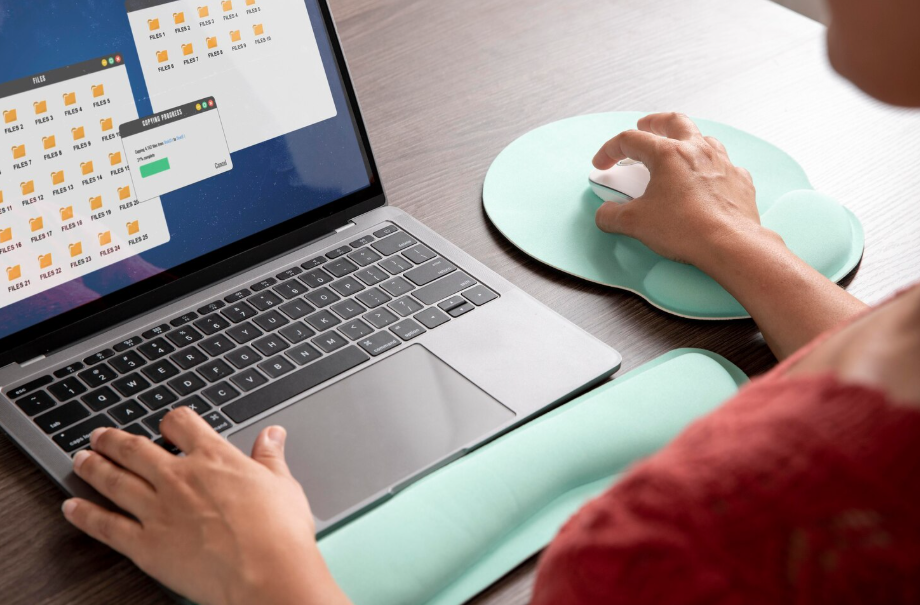
Documents, downloads, and miscellaneous files accumulate quickly. On a computer, check your “Downloads” folder and delete anything you don’t need. Organize essential documents into clearly labeled folders to make them easier to find later.
If you use cloud storage, consider syncing key folders so that your files are safe even if your device is lost or damaged. This also makes switching devices smoother down the road.
Manage Notifications and Settings
Constant pings and alerts add to digital chaos. Take a few minutes to turn off notifications from apps you don’t need updates from. This not only declutters your lock screen but also helps you focus.
You can also review your home screen widgets and shortcuts. Keeping only the essentials visible makes your device feel cleaner and less overwhelming.
Refresh Your Email and Messages
Email inboxes and messaging apps can become just as cluttered as your photo gallery. Delete old promotional emails, archive conversations you don’t need daily access to, and unsubscribe from mailing lists you never open.
On messaging apps, consider clearing out old group chats or muting conversations that no longer matter. A lighter inbox and message feed means less scrolling and less digital noise competing for your attention.
For stronger privacy online, read Do You Actually Need a VPN?.
Create a Simple Maintenance Routine
Digital decluttering isn’t just a one-time job—it works best as a habit. Set aside 10 minutes once a week to delete old files, organize photos, and review apps.
By spreading it out into small, regular sessions, you avoid overwhelming cleanup marathons later. A consistent routine helps keep your devices fast, organized, and ready for what you actually need them for.
Key Takeaway
Decluttering your digital life doesn’t require special tools or tech expertise. By clearing out old photos, unused apps, and unnecessary notifications, you’ll free up space and enjoy a smoother, less stressful experience on your devices.
Small steps can add up to a big difference in how calm and efficient your digital world feels.