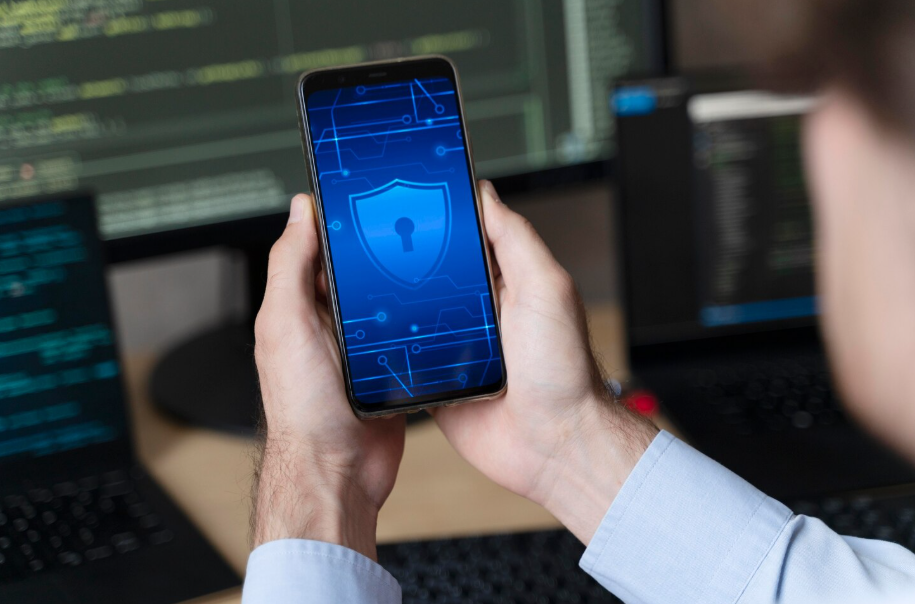
When you think about antivirus software, you probably picture computers—not smartphones. But today, our phones hold as much sensitive information as our laptops, from bank details to private photos.
So, do you actually need an antivirus on your phone, or is it just another app you don’t really need? Let’s break it down.
How Mobile Security Works
Modern smartphones are designed with built-in security. Both iPhone and Android use “sandboxing,” which means apps are isolated from each other, limiting the damage if one turns out to be malicious. iPhones also restrict app downloads to the App Store, where apps are reviewed for safety and security.
That said, no system is entirely bulletproof. Android, in particular, allows apps from outside the Google Play Store if you enable it, which can open the door to malware. Even with built-in protections, risks such as phishing links, unsafe Wi-Fi connections, and malicious apps persist.
If you’re curious about broader online safety, see Do You Actually Need a VPN?
When Antivirus Apps Help
For Android users who download apps from third-party sources, antivirus software can provide an additional layer of protection. Some apps scan downloads in real time, block suspicious websites, and even alert you to risky permissions.
Antivirus apps can also be helpful for individuals who frequently connect to public Wi-Fi, where threats such as man-in-the-middle attacks are more likely. In these cases, a mobile security app can provide you with extra peace of mind, knowing that your data is protected.
When Antivirus Isn’t Necessary
According to this mobile security guide, practicing safe habits like avoiding suspicious links and keeping your phone updated is often enough.
If you’re an iPhone user who sticks to the App Store, you probably don’t need antivirus software. Apple’s strict controls mean malware is very rare, and most threats come from phishing emails or texts rather than infected apps. Good browsing habits and being cautious about links are usually enough protection.
Even for Android users, antivirus apps aren’t always required if you only download from the official Play Store. Google already scans apps for malware, and most threats can be avoided with careful use.
If you’re curious about other ways to protect your devices, see Do You Really Need AppleCare or Device Insurance?
Smarter Security Habits
Regardless of your phone type, practicing safe habits is more effective than relying solely on antivirus apps. Avoid clicking on unknown links, double-check suspicious emails, and keep your phone’s software up to date. These small steps prevent the majority of real-world threats.
Other valuable tools include two-factor authentication for accounts and using a VPN when connected to public Wi-Fi. These habits protect your personal information without draining your battery or cluttering your phone with extra apps.
The Battery and Performance Factor
One drawback of mobile antivirus apps is that they sometimes run in the background, which can drain your battery or slow down performance. This isn’t always noticeable on newer phones, but older devices may struggle. Before installing, weigh whether the extra protection is worth a potential dip in speed and battery life.
If you’re cutting down unnecessary apps, read Digital Declutter: Simple Steps to Clean Up Your Tech Life for tips.
Key Takeaways
Antivirus on your phone isn’t always essential—especially for iPhone users. For Android owners who download apps outside of the Play Store or frequently use public Wi-Fi, it can be helpful.
The best defense, though, is smart digital hygiene. Update your phone, use strong passwords, and exercise caution when clicking on links. Do that, and your smartphone will stay safe without much extra effort.