Stacks of mail, piles of receipts, and overstuffed file cabinets. Paper clutter is something most of us would rather live without. Going paperless promises a cleaner home, easier organization, and faster access to your documents.
But is it practical for everyday people, and what tools make the process simple? Let’s explore how you can ditch the paper without getting overwhelmed.
Why Going Paperless Makes Sense
Paper documents are easy to misplace, and they take up valuable space in your home. With digital files, you can organize everything into folders, search by keywords, and back them up for safety. There is no more digging through drawers to find a single receipt or bill.
Going digital also means less environmental waste. By reducing the number of printed pages, you decrease paper consumption and ink usage, which is a small but meaningful way to lower your ecological footprint. For many, the time savings and convenience alone make the switch a worthwhile consideration.
To cut down on digital mess too, see Digital Declutter: Simple Steps to Clean Up Your Tech Life.
Tools to Get You Started
You don’t need expensive software to go paperless. A basic scanner, or even your phone’s camera, can digitize receipts, forms, and notes. Free apps like Google Drive, Microsoft OneDrive, or Dropbox allow you to store files safely in the cloud and access them from any device.
For organizing, note-taking apps like Evernote or Microsoft OneNote make it simple to save documents, clip web pages, and categorize everything. Many banks, utilities, and service providers also offer paperless billing, which means fewer envelopes arriving at your door.
If slow connections get in the way, see Wi-Fi Made Simple: What to Do When It’s Slow.
Security and Backup Tips
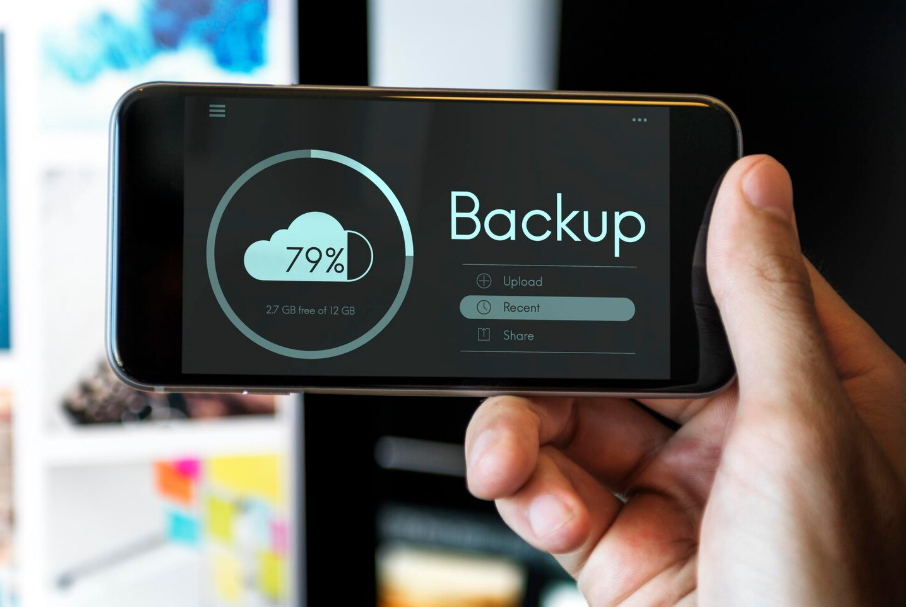
One of the main worries about going paperless is losing documents to a tech failure. The solution is always to back up important files in at least two places, such as on a cloud service and an external hard drive. That way, even if one fails, your documents are safe.
Security is another factor to consider. Use strong passwords for your storage accounts and consider enabling two-factor authentication. This adds an extra layer of protection, ensuring your personal files remain private.
What You Don’t Have to Digitize
Going paperless doesn’t mean you need to scan every scrap of paper. Some items, like birth certificates, passports, or official deeds, should still be kept in their physical form. Think of the process as minimizing rather than eliminating paper. Focus on everyday clutter, such as receipts, bills, and notes, that can be easily stored in digital form.
By combining digital storage with a small physical folder for irreplaceable documents, you get the best of both worlds: less mess, without losing access to essentials.
If you’re new to storing files online, see Cloud Storage Explained Like You’re 5 for a simple breakdown.
Key Takeaways
Going paperless is easier than ever thanks to simple tools like scanning apps and cloud storage. While you don’t need to digitize everything, focusing on everyday paperwork can reduce clutter, save time, and make life more organized.
With a bit of setup and smart backups, you can enjoy a home that feels lighter, cleaner, and more efficient. Keep the receipts you need without the paper piles weighing you down.