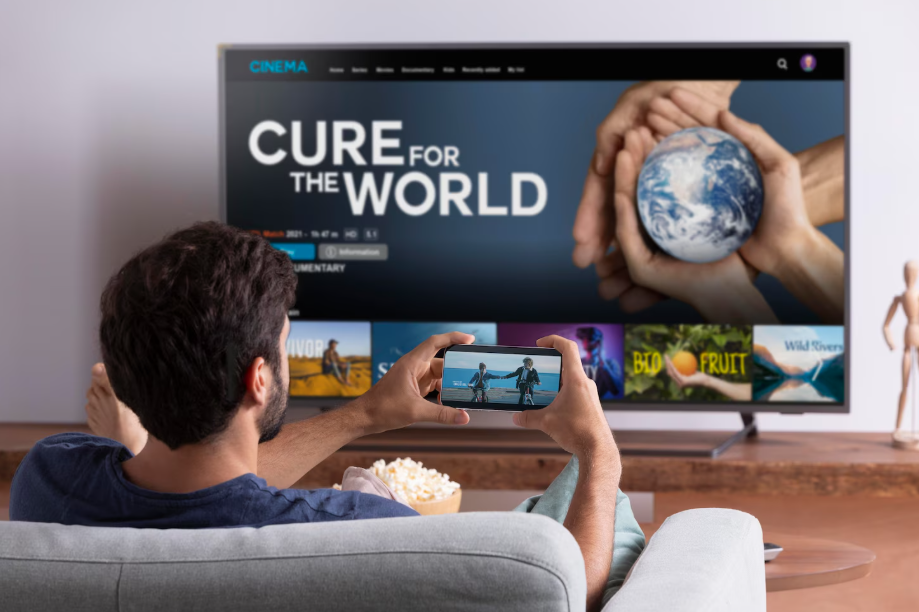
If your older television still works fine, there’s no real need to toss it out just because it can’t stream shows on its own. Making an old TV “smart” is far easier than most people expect. All it takes is a small streaming device that plugs into an HDMI port, turning your set into one that can play Netflix, YouTube, and just about any other streaming service you can think of.
For beginners, setting up a streaming device often turns out much easier than expected. Most installations involve only a few quick steps that don’t require any technical background. Affordable streaming devices usually start around $30–$40, making them a much cheaper option than buying a new screen, while still delivering the same streaming access.
Understanding Your Streaming Device Options
Before selecting a device, ensure your Wi-Fi connection is stable and fast enough, as all streaming relies on a strong signal. Most televisions made after about 2005 have at least one HDMI port that supports these devices. If yours doesn’t, an inexpensive adapter cable will usually solve the problem.
Essential features that help you choose the right streaming device:
- Roku accounts for a significant share of users and offers an intuitive interface that doesn’t tie you to any single brand.
- Fire TV Stick tends to be the lowest-cost choice, usually around $30, and connects you to Amazon’s wide range of apps.
- Apple TV provides strong performance and works smoothly if your household already uses iPhones, iPads, or Macs.
- Chromecast with Google TV lets you cast shows directly from your phone, and it also includes its own remote for regular use.
Each of these devices does roughly the same job, so your choice usually depends on budget and what kind of tech you already own.
Read More: Should You Go Paperless? Easy Tech Tools to Try
Simple Setup Steps Anyone Can Follow
People new to streaming setups often find installation surprisingly painless. You don’t need any tools, just your TV, the streaming device, and access to Wi-Fi. Most sticks plug into an HDMI port and draw power either from your TV’s USB port or from a nearby outlet using a small adaptor.
Start by locating an open HDMI port on your television, typically labeled as HDMI 1 or HDMI 2. Plug the device in, attach the power cable, turn on your TV, and select that input using your remote. The device will guide you through Wi-Fi setup and account sign-in using simple on-screen prompts.
If your television doesn’t have a USB port for power, just use the wall plug that comes with the device. The entire process typically takes around ten minutes, including connection and login. Once set up, the streaming remote handles most controls, though you’ll still use your TV remote for volume and input changes.
Read More: The Easy Way to Connect Smart Home Devices
Making Your Smart TV Investment
Affordable streaming devices offer great value for extending the life of your older television. A small investment between $30 and $150 can make your set just as capable as any modern smart TV.
If you’re just testing the waters, start with a basic Roku or Fire TV Stick before spending on higher-end models. These entry-level devices handle HD video perfectly for most viewers. 4K versions are really only worth it if you already have a 4K screen and fast internet.
If you’re ready to breathe new life into your existing TV, pick a streaming stick that fits your setup, follow the simple steps, and enjoy your favorite shows on a screen you already own.
Read More: Parental Controls Made Easy